Designed for
 Ableton
Finish More Music
The ultimate tool for music producers to organize their workflow and finish more tracks
Buy Now



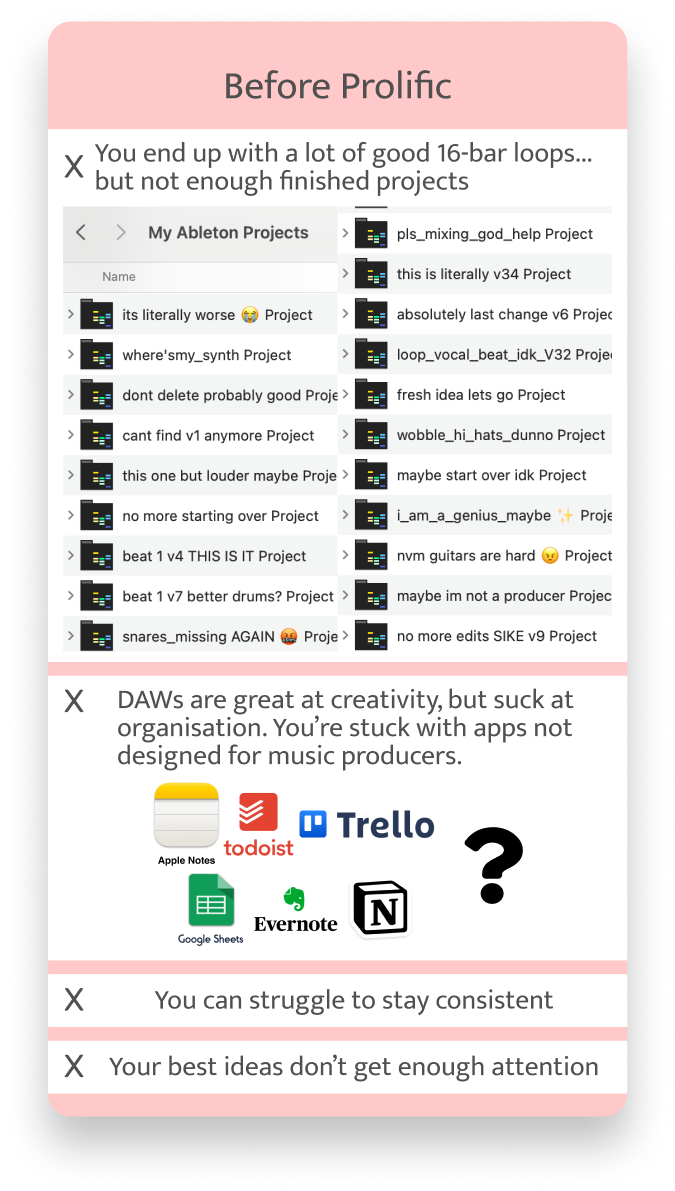
You don't have a creativity problem...
you just don't have the right workflow
Features
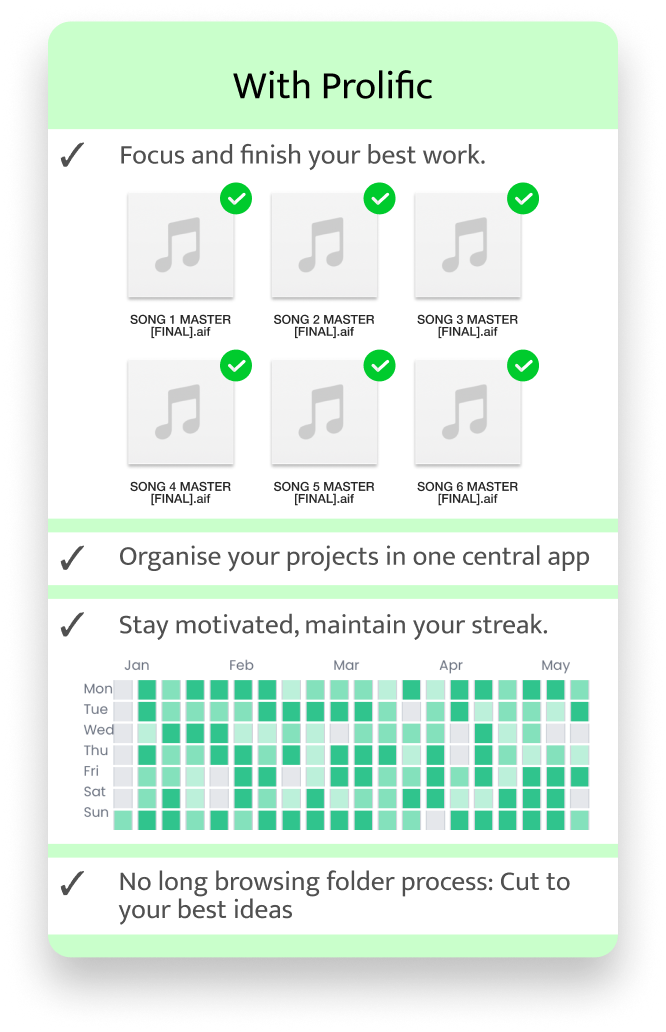
Your Best Projects: Release-Ready
From your hard drive to your fans: Only work on your best music.
Streaks
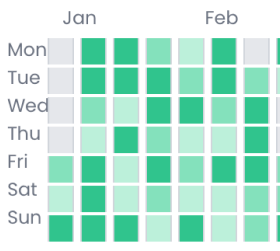
Stay motivated daily, maintain your streak, and track your progress over time. With the daily activity Dashboard, you get a picture of your music-making consistency with a GitHub-inspired contribution graph. Share it with your friends for added motivation.

Waveforms
Real-time waveforms of your project render .AIF, .MP3, .WAV, right from the dashboard. Shortcut subfolders. Visually identify how finished your songs are before you even open your DAW or upload to SoundCloud.
In Progress Board
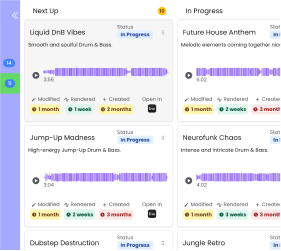
Let Prolific handle the boring stuff, while you focus on your craft. Make your producing habit a productive one. Visualize your workflow and move projects between readiness stages of “Next Up” “In Progress” “Finished”. Any new music projects you start will instantly appear in the project library backlog, ready to be worked on.
How It Works
The Make More Music Machine
We designed Prolific to help producers make and finish more of their best work.
• Prolific scans this location for all DAW folders and brings them into the UI.
• Here you can see the project name, its last modified date, its created date, its last rendered date for .AIF, .WAV, .MP3 files inside, as well as global stats like your total projects and consistency streak.
• Any new music projects you start will instantly appear in the project library view, ready to be worked on too.
Simple, one-time pricing
No subscriptions. Own Prolific outright and finish more music.
See Pricing & BuyFAQ
Why is this better than organizing my projects in folders?
Why not just use Trello, Google Sheets, Apple Notes etc?
What operating systems do you support?
Does Prolific store any of your song data on its servers?
What about browser support?
Ready to finish your next hit?
Be more creative by being more organized
Get Prolific